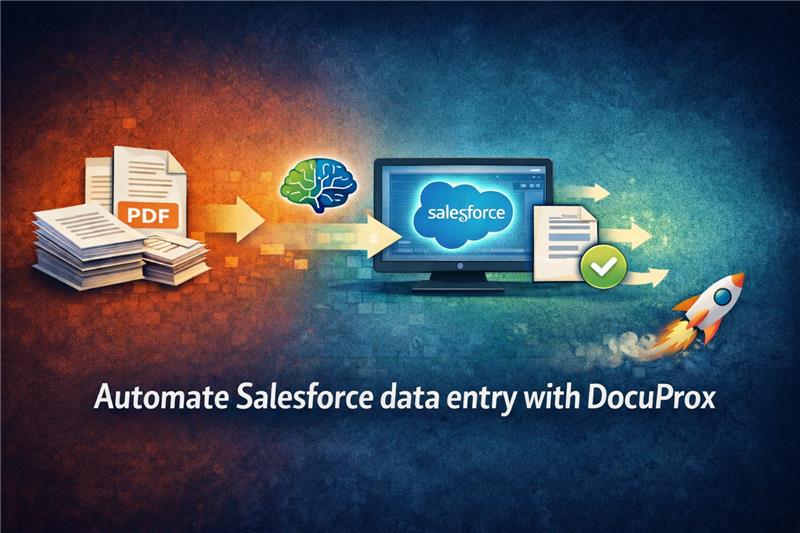
Salesforce is a leading CRM platform used by businesses to manage customer data, sales pipelines, accounts, and service operations. It acts as a central system for customer relationship management and business processes. However, many companies still face challenges with manual document processing. Important data stored in PDFs, scanned documents, and paper files is hard to extract and integrate into Salesforce. This leads to manual data entry, which is slow, error-prone, and inefficient. As a result, businesses lose productivity, increase operational costs, and slow down their digital transformation and automation goals.
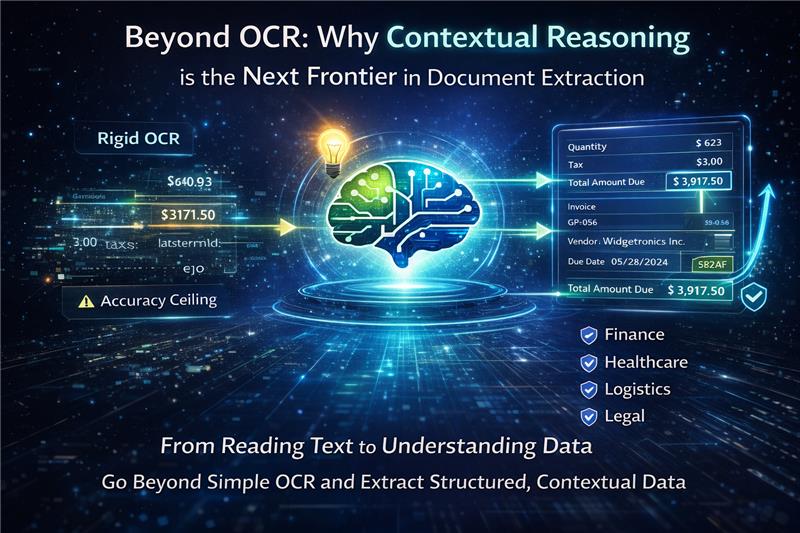
Furthermore, organizations often rely on legacy tools that fail to meet modern demands. Traditional Optical Character Recognition (OCR) technology has an unavoidable "accuracy ceiling," providing inconsistent, inaccurate, and completely unusable data from complex document formats that demand endless manual correction. Legacy OCR systems suffer from what industry experts call "The Missing Brain"—they can "read" text on a page, but they fundamentally do not understand it. Because they lack contextual reasoning, they miss critical relationships and insights embedded within the document's layout.
To solve these challenges and bring true artificial intelligence to document processing, Xccelerance Technologies presents DocuProx—an innovative platform designed to turn your documents into structured data, instantly.
DocuProx is an intelligent document processing API powered by Multimodal AI and Vision Large Language Models (LLMs). Built with an API-first architecture, it helps businesses extract structured data from documents quickly and accurately, with up to 99.8% accuracy. Instead of providing unstructured outputs that require extra coding and manual formatting, DocuProx delivers clean, ready-to-use structured JSON that can be directly integrated into your applications, CRM systems like Salesforce, or other business software.
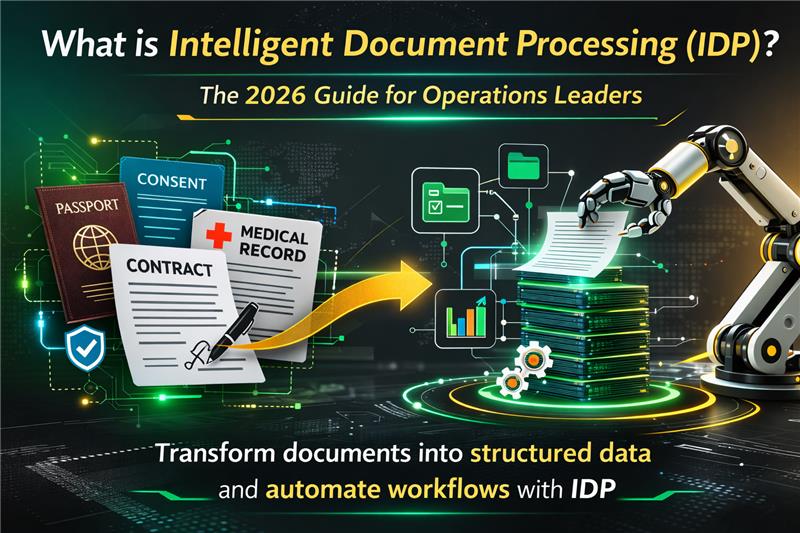
DocuProx supports document automation for vendor invoices, customer receipts, insurance claim forms, onboarding documents, and other business records. Using AI-based data extraction, it removes the need for manual data entry and reduces errors. Traditional PDF parsers often fail with complex layouts, leading to copy-paste work and broken workflow automation. DocuProx closes these gaps by providing reliable document data extraction that improves productivity, reduces operational costs, and supports digital transformation.
For Salesforce administrators and developers, seamlessly integrating an external document processing engine can seem like a daunting technical challenge. To streamline this exact process, Xccelerance Technologies has developed the dedicated DocuProx Salesforce Package, as highlighted in their official ecosystem and accessible for developers via their GitHub repository (https://github.com/docuprox/docuprox-salesforce-package).
The DocuProx architecture is intentionally designed to sit perfectly within your existing Salesforce environment. The execution flow is elegantly simple, yet incredibly powerful for enterprise workloads:
Triggering an Action: A user or an automated system (such as a Flow or Process Builder) triggers a specific action within your Salesforce instance.
Executing Your Custom Code: Your custom Apex code responds directly to this triggered action.
Calling the Package Methods: Your Apex code leverages the installed DocuProx Package, which contains optimized, pre-built methods designed specifically for interacting with the DocuProx service.
Secure API Communication: The Salesforce package securely communicates outbound to the API app (api.docuprox.com), which is robustly hosted on AWS cloud infrastructure.
Advanced AI Processing: The API instantly leverages its backend Multimodal/Vision LLM to process the transmitted document with deep contextual intelligence.
Real-Time Data Retrieval: The structured data is returned directly to Salesforce in real-time, bypassing manual data entry altogether and directly updating your desired standard or custom objects.
Using DocuProx to completely automate your Salesforce document workflows is a highly intuitive and straightforward process. Here is exactly how you can set it up to start transforming your operations:
First, you will need to check your email for an official invitation to access the DocuProx application environment. Once you have successfully secured access, log in to the intuitive frontend platform at app.docuprox.com. This is where you will begin creating and uniquely customizing your templates for specific document data extraction. The platform allows you to use value-based extraction, draw visual annotations, or utilize advanced prompt-based AI instructions to define exactly what data you need.
After you have finished configuring the layout and saving a new template, you must make sure to copy and securely store its unique identifier. This specific Template ID acts as the precise blueprint for the AI, instructing it on exactly how to parse and map the incoming documents originating from your Salesforce org.
With your unique Template ID in hand, you can initiate the technical integration. You can easily interact with the DocuProx API (api.docuprox.com) either by making direct standard HTTP REST requests from your org, or by using the simplified methods available right out of the box in the DocuProx Salesforce Package. In your programmatic request, you will need to provide the actual document file—this can be formatted as an image file, a standard PDF, or encoded in base64 format—and explicitly specify the template ID for processing.
Once the API request is successfully sent, DocuProx processes the file in a matter of seconds. The API will subsequently return a beautifully structured JSON response in real-time, containing all of the precisely extracted data. Developers can then seamlessly parse this JSON to populate Salesforce fields, insert new records, or trigger complex downstream workflows without a single keystroke of manual data entry required.
The combination of Salesforce CRM and DocuProx intelligent document processing helps businesses achieve real and measurable results. Salesforce manages customer data and business processes, while DocuProx handles document data extraction from unstructured data like PDFs and scanned files. Together, they improve workflow automation and support digital transformation by removing the limits of manual document processing.
Manual data entry is slow and often leads to mistakes. DocuProx uses Vision LLM and Multimodal AI to understand complex document layouts and extract accurate structured data. This improves data accuracy and reduces operational costs.
Instead of writing complex parsing scripts, businesses receive clean, structured JSON that directly maps to Salesforce fields. This makes Salesforce integration simple and saves development time.
Developed entirely by Xccelerance Technologies, you directly benefit from a world-class team of expert developers, consultants, and strategists who seamlessly combine deep technical knowledge with cutting-edge AI innovation. Their core philosophy is building lasting partnerships rather than just delivering isolated projects. Their absolute success is measured directly by your achievements, ensuring that from initial strategy to ongoing optimization, your technology investments deliver maximum, measurable returns.
If your organization is currently drowning in a sea of PDFs, scanned application forms, and unstructured invoices, and struggling to keep Salesforce records updated accurately, it is time to definitively end the manual entry nightmare. By exploring the open-source resources on the DocuProx GitHub and integrating the DocuProx Salesforce Package, you can effortlessly turn complex operational challenges into streamlined, automated solutions. You will dramatically save processing time, sharply reduce overhead costs, and guarantee that your Salesforce CRM is always fueled by hyper-accurate, real-time data.
Have questions about getting started with DocuProx? Feel free to reach out to our team at team@docuprox.com or join our community discussions.